Bill Splitting
PayWho
Quick Split Bill.
Who pays who — sorted.
Dinner's done. Now the mental gymnastics begin — Alice paid for food, Ben covered the cake, and David only joined for half the night. PayWho handles exactly this, in 3 taps.
Quick Split Bill.
Who pays who — sorted.
Dinner's done. Now the mental gymnastics begin — Alice paid for food, Ben covered the cake, and David only joined for half the night. PayWho handles exactly this, in 3 taps.
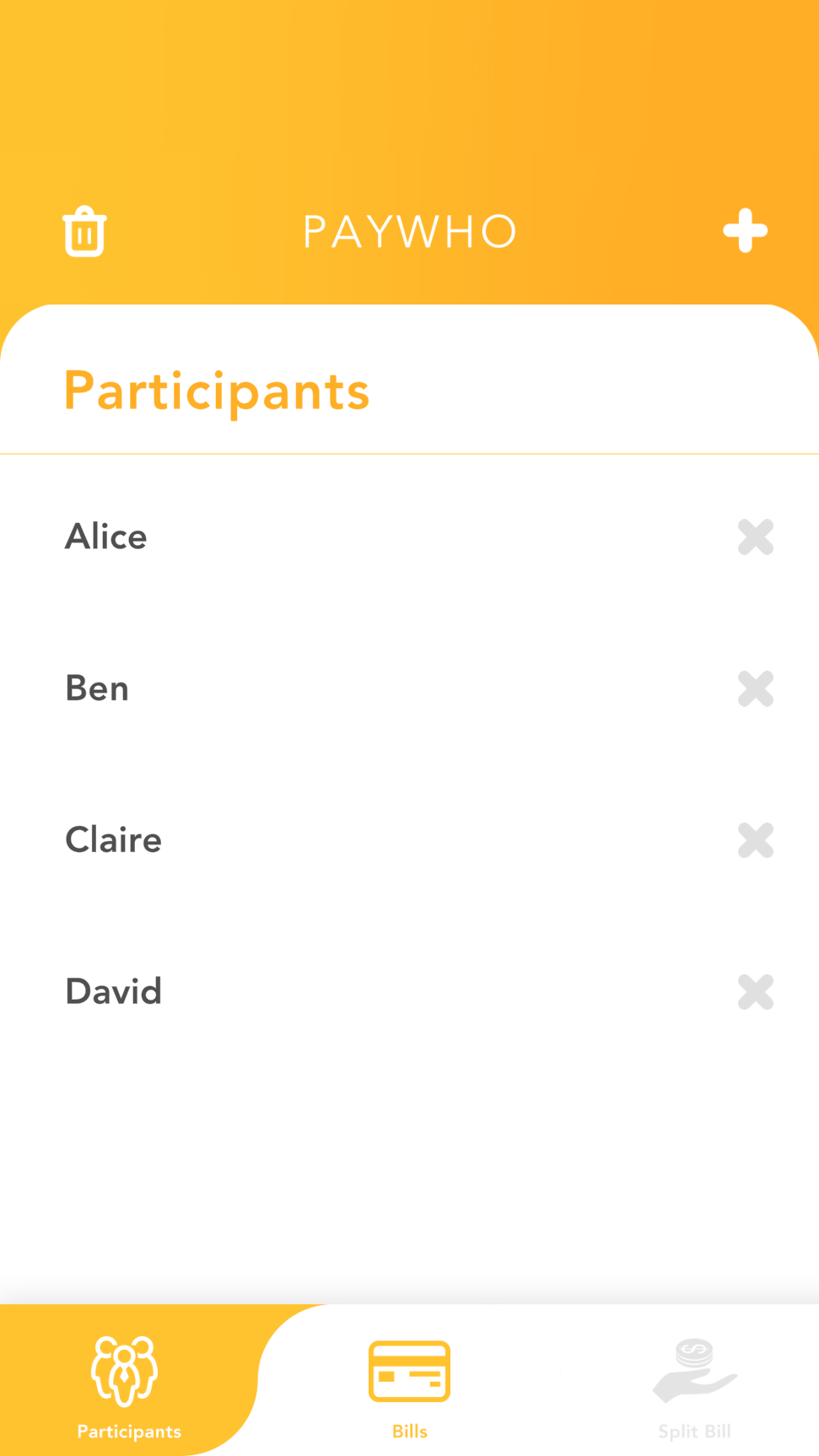
Enter everyone's names — the people who were part of the outing, regardless of what they shared.
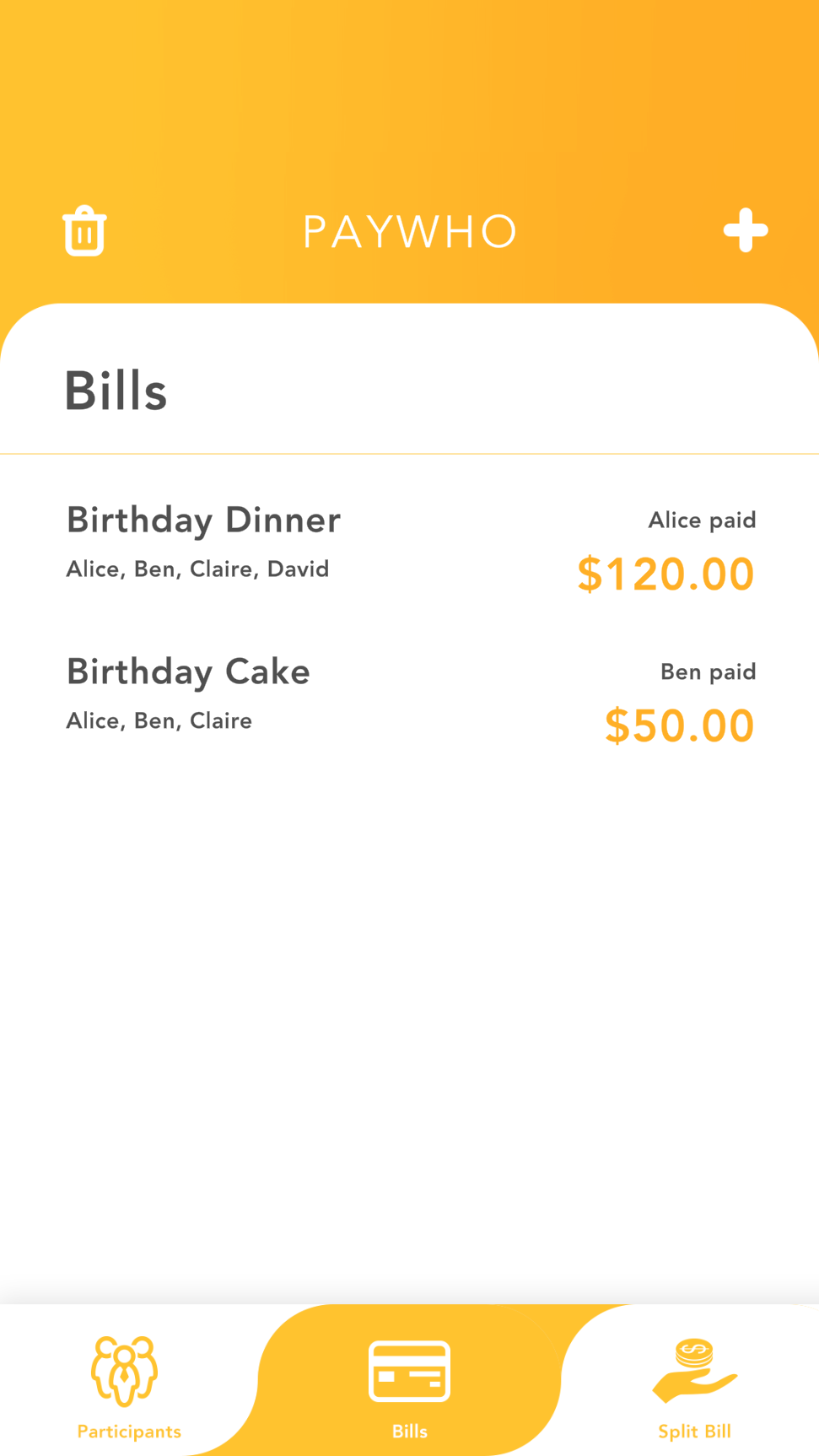
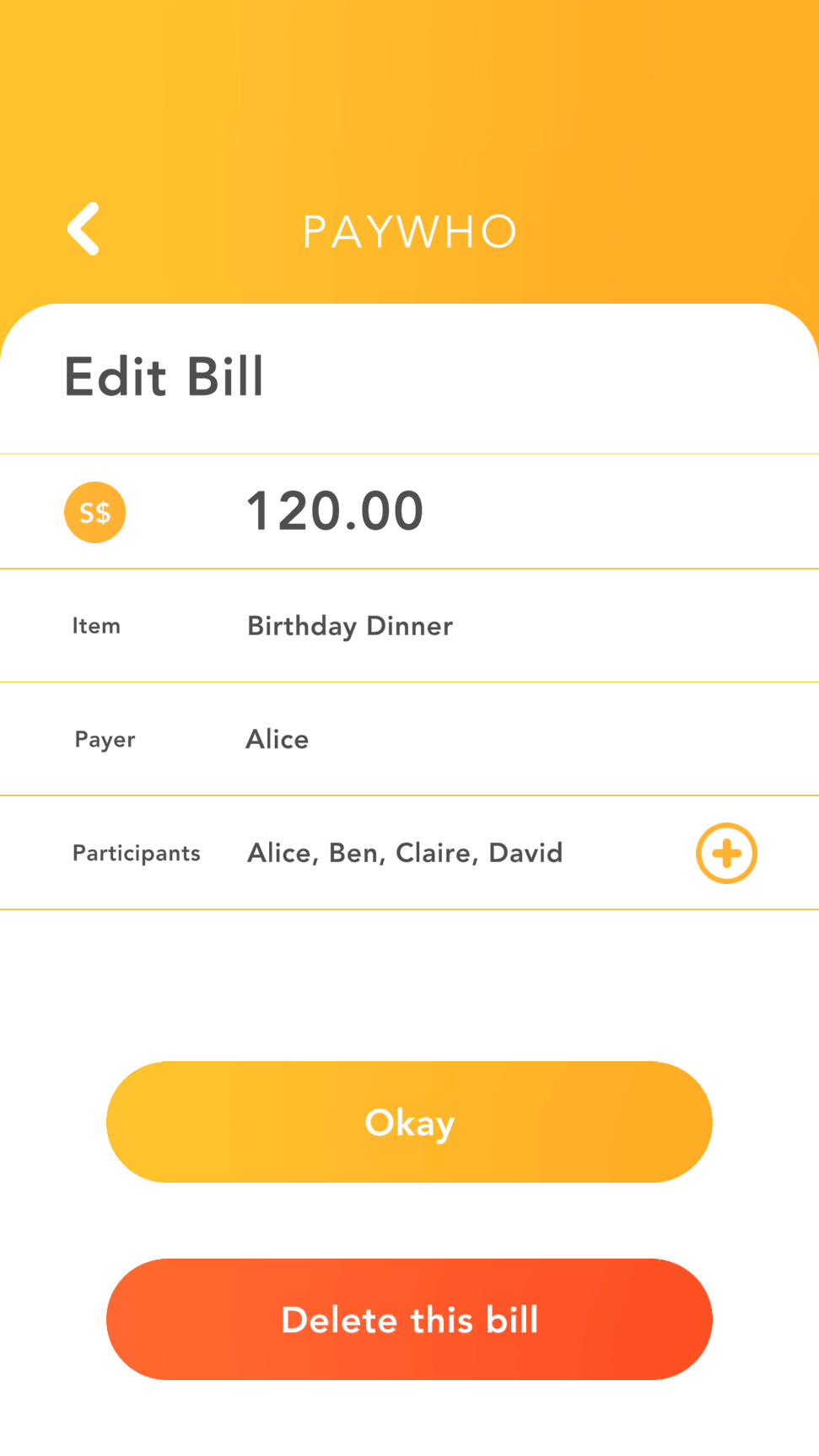
For each bill: enter the amount, who paid, and who's splitting it. Different bills can have different people.
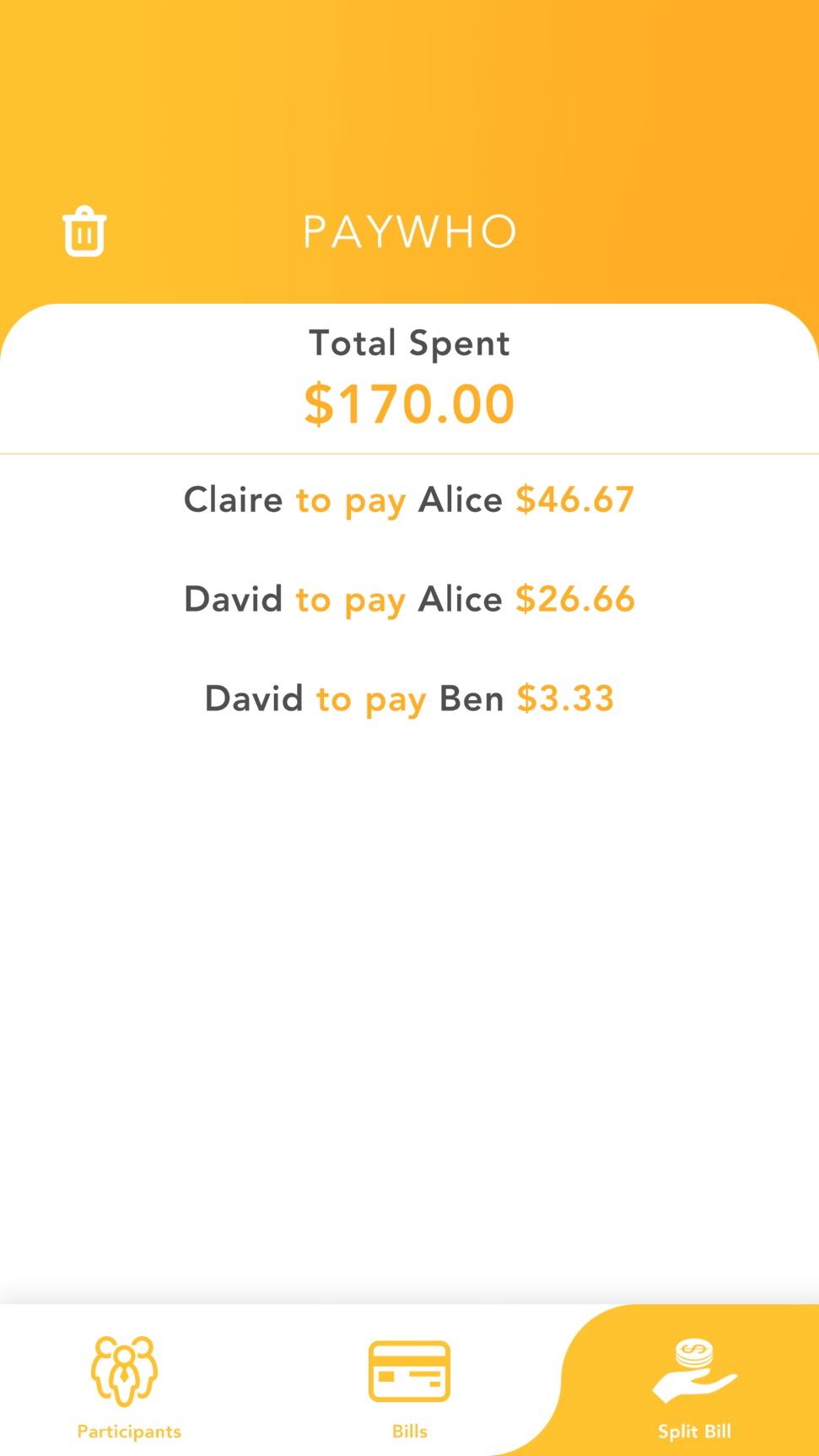
Tap Split Bill. PayWho calculates the simplest set of transactions — exactly who pays who, and how much.
Alice paid for dinner, Ben got the cake, Claire ordered drinks. PayWho handles it all in one go.
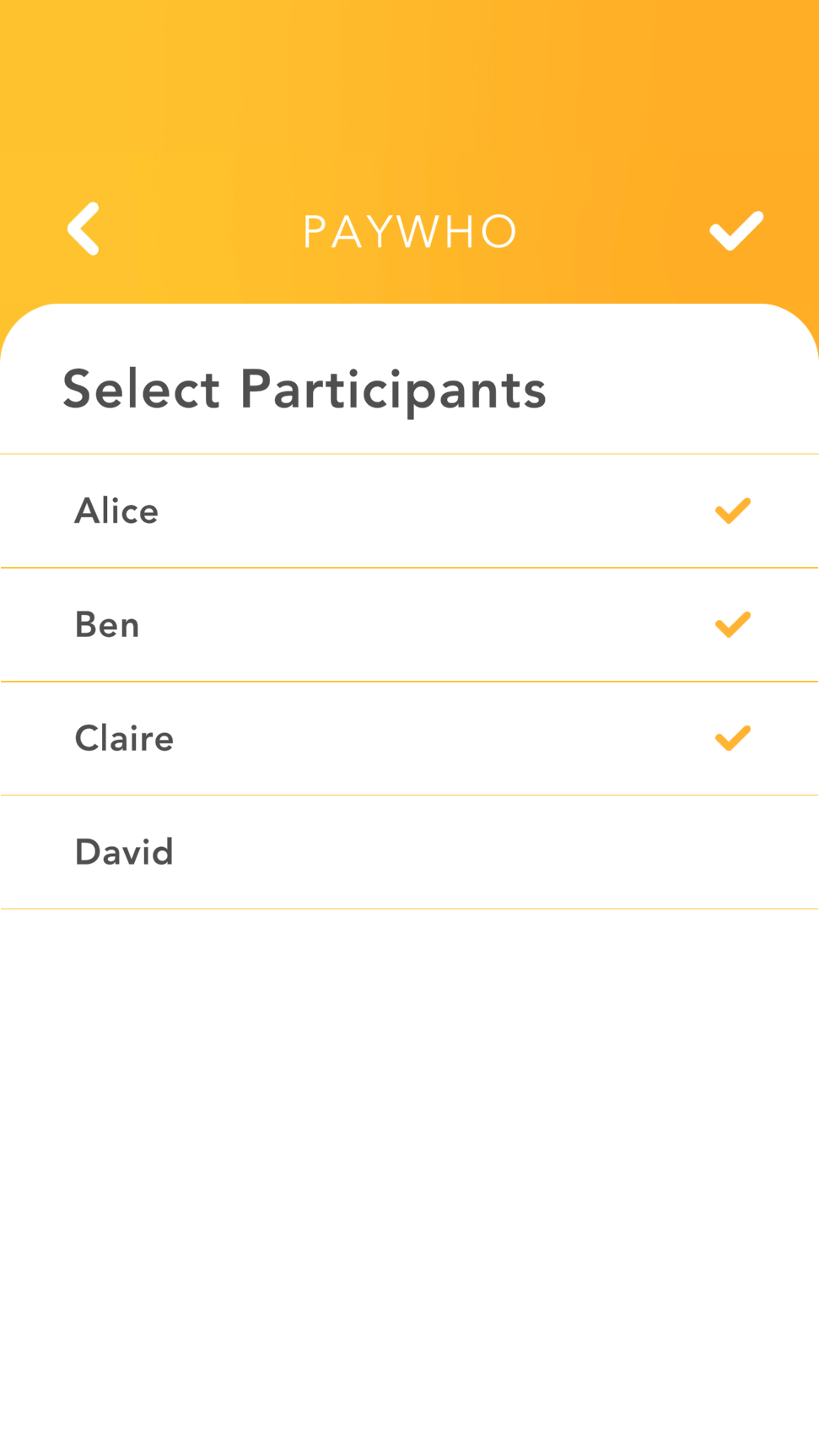
David skipped the cake? No problem — just uncheck him from that bill. Each bill has its own participant list.
No spreadsheets. No mental arithmetic. Hit Split Bill and the answer is right there — who pays who, down to the cent.
Open the app, split the bill, close the app. Nothing stored in the cloud. Nothing to sign up for.
No in-app purchases. No premium tier. PayWho is free to use, always.
No internet connection needed. Use it at the restaurant, at the chalet, anywhere — it just works.
No more awkward "so how much do I owe?" moments. PayWho — a nod to PayLah and PayNow, because it tells you exactly who to pay.